
How to Watch Football on Firestick
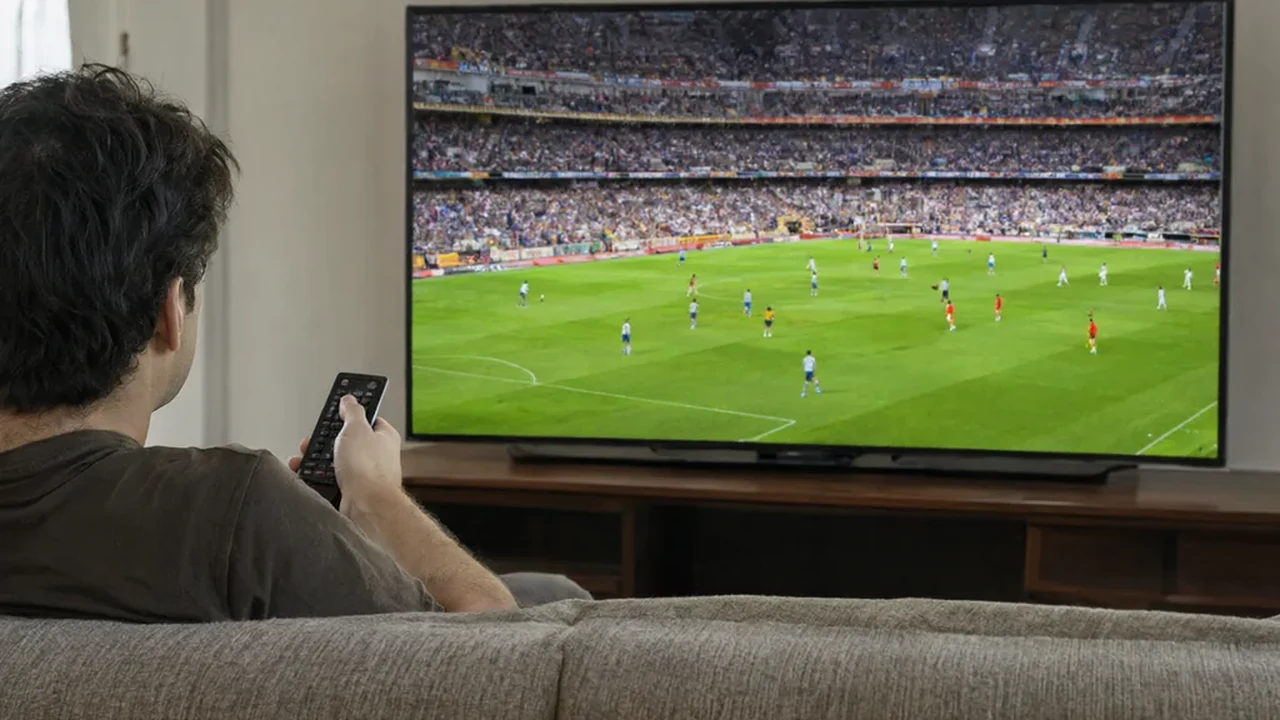
A Fire TV Stick is the cheapest serious streaming device on the market and one of the best for football, provided you set it up properly. The problems people blame on the stick are almost always the app, the Wi-Fi or a setting buried three menus deep. This guide covers which official apps carry football, how to install them, the configuration that keeps a live stream stable, and why the sideloaded route advertised in videos is a worse deal than it looks.
What the stick can and cannot do
The current Fire TV Stick models handle 1080p comfortably and the 4K Max handles 4K HDR, which matters because most broadcasters now stream sport at 50 or 60 frames per second. A higher frame rate is what makes football look smooth rather than smeared during a fast counter-attack, and older devices often cap at 30fps regardless of the source. If your television is 4K and your stick is five years old, the app is not the problem.
What the stick cannot do is give you rights you do not have. It runs Amazon's version of Android, which means the official apps from major broadcasters are available, but each one still checks your subscription and your region. No device makes an unlicensed stream legal. Storage is the other practical limit: older models ship with very little free space, so keep three or four apps installed rather than ten and remove the ones you never open.
The apps worth installing
Install from the Amazon Appstore rather than from a downloaded file. The table below maps the main football apps to what they actually show, bearing in mind that catalogues differ by country.
| App | Football coverage | Region | Notes |
|---|---|---|---|
| Fubo | Premier League and football channels | Canada, US | Different plans per country |
| Paramount+ | Champions League, Serie A | US | Full match slate on streaming tier |
| ESPN | La Liga, cups, internationals | US | Some matches need a TV login |
| Peacock | Premier League | US | Check blackout rules |
| BBC iPlayer | Match of the Day, tournament matches | UK | Requires a TV licence |
| ITVX | Free internationals and tournaments | UK | Free with ads |
Installing an app in four minutes
From the Fire TV home screen, open the search field and type the app name. Select it, choose Get or Download, and wait for the install to finish. If an app does not appear, it is usually because the Amazon account is registered to a different country than the one the app serves, and no amount of searching will change that. Sign in with the same credentials you use on the broadcaster's website, then authorise the device if the app asks, which usually means entering a short code on a phone or laptop.
Once installed, move the apps you use most to the front row of the home screen. On a matchday you do not want to scroll through recommendations while a kickoff passes. The voice remote is genuinely useful here: holding the microphone button and saying the competition name often opens the right app and the right page faster than navigating the grid.
Fixing buffering on live football
Live sport is the hardest thing to stream because there is no buffer to hide a dip in the connection. Work through these in order and stop when the picture settles:
- Switch the stick to the 5GHz Wi-Fi band rather than the 2.4GHz one
- Move the stick to the HDMI port furthest from the television's metal back panel, or use the bundled HDMI extender
- Use an ethernet adapter, which most Fire TV models support through a USB hub
- Restart the router before a big match rather than during one
- Clear the app cache in Settings, Applications, Manage Installed Applications
- Set the display to match the source frame rate where the option exists
If none of that helps, the constraint is your broadband. A stable 15 Mbps is enough for HD football, but stability is the word that matters: a line that tests at 100 Mbps and drops for two seconds every minute will fail on a live match and pass every speed test.
Why sideloading is a bad trade
Every guide to free football on a Firestick eventually mentions a downloader app and a code. What that installs is an app from outside the official store, often a restreaming service with no rights to the content, and sometimes something considerably worse. Amazon can remove the app remotely, the service disappears mid-season, payment details go to an unaccountable seller, and in countries such as the UK the viewer can be liable as well as the operator.
The legitimate alternative is duller but better: a free trial of a licensed service during a big weekend, free-to-air matches through a broadcaster app, and free highlights. For a full season, one subscription to the service that holds your league beats any amount of tinkering. See our articles section for more setup walkthroughs, and the international football TV guide if your interest is tournaments rather than club football.
Getting the picture right
Two settings make a visible difference. Turn off any motion smoothing on the television itself, because it makes football look like a soap opera and adds artefacts around the ball. Then check the stick's display settings: if it is set to 1080p on a 4K television, the app will never send a 4K stream. Match the resolution to the panel, enable HDR only if the television supports it properly, and let the app handle frame rate where possible.
If you are buying new, the 4K Max is the model to get for sport, mainly for the faster processor and Wi-Fi 6 support rather than the resolution. A Fire TV Cube adds hands-free control and an ethernet port, which is worth considering if your router sits close to the television and you are tired of wireless troubleshooting.
Related guides

Game-specific betting strategies for high-volatility slots at casino Aphrodite
High-volatility slot strategies at casino Aphrodite for Gates of Olympus, Razor Shark and Reactoonz: bets, phases, bankr
2026-09-21
Betify withdrawals and deposits: rails, KYC and 1–3 days
Instant in. One to three days out after a clean file. An open bonus bar stops the clock.
2026-09-08